
Normap
A downloadable normal map generator for Windows
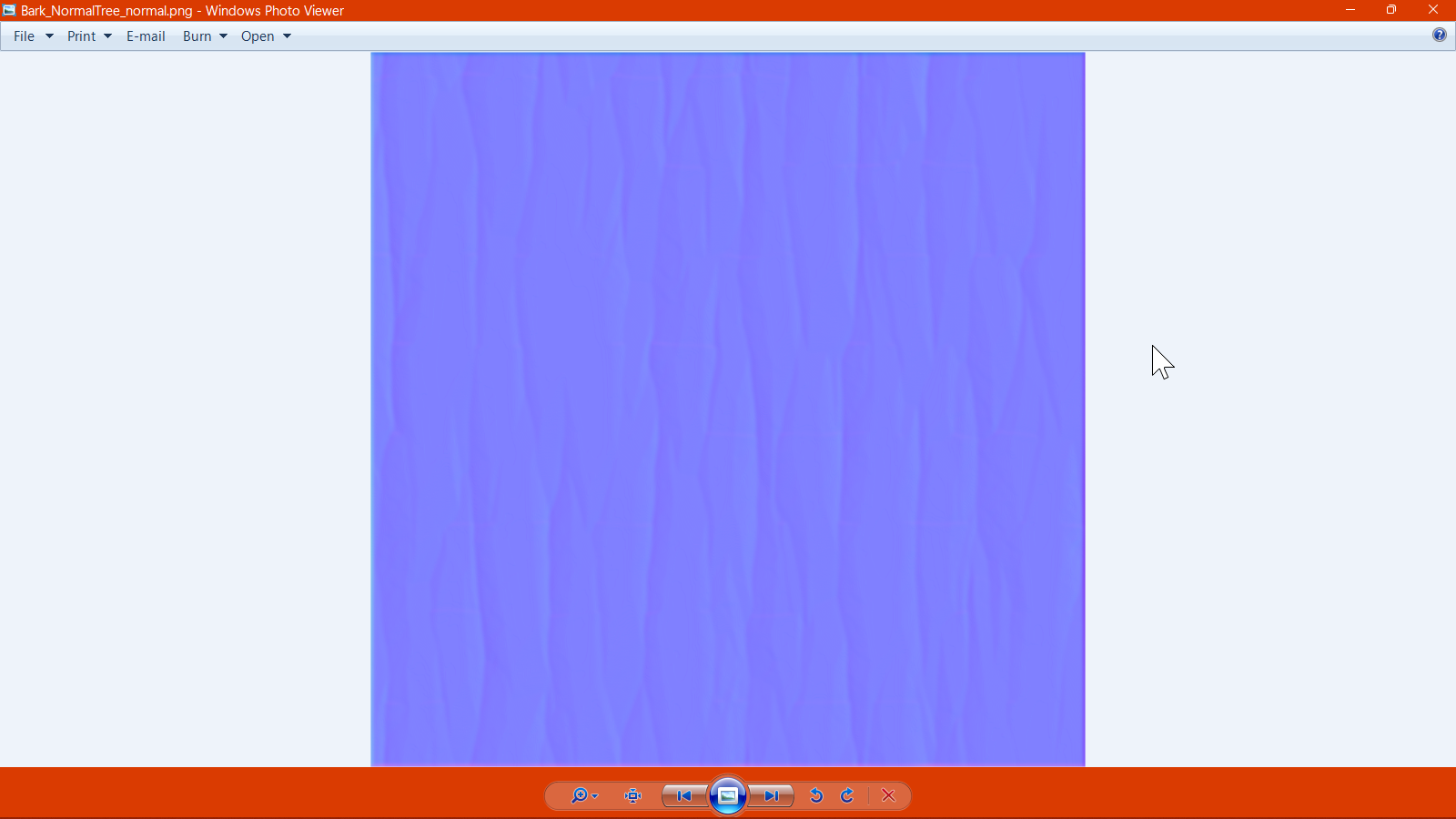
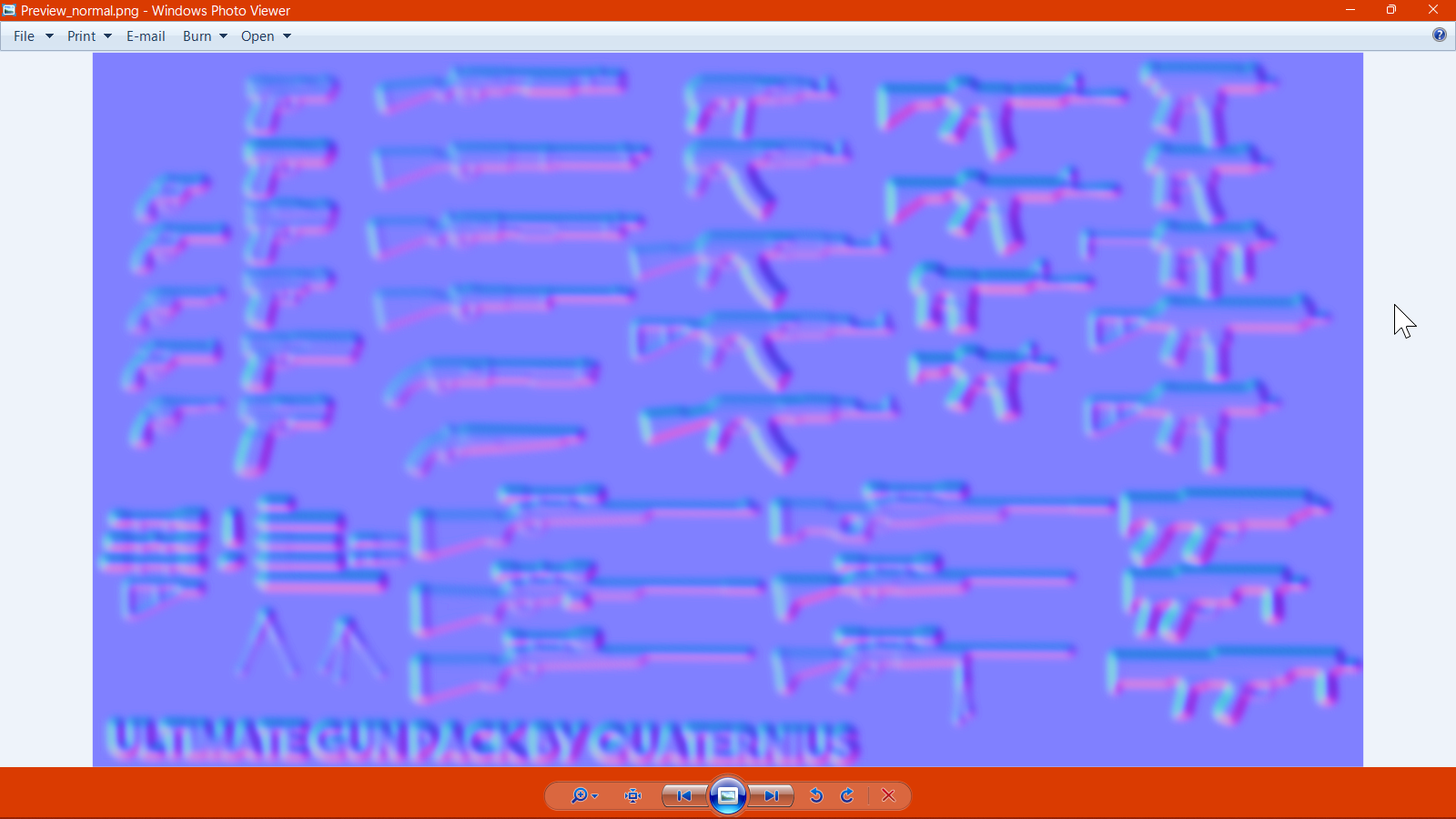
In Normap, you can select multiple images to generate a normal map from which are then saved in the same directory as the source image as a PNG file which you can then use in any 3D content!
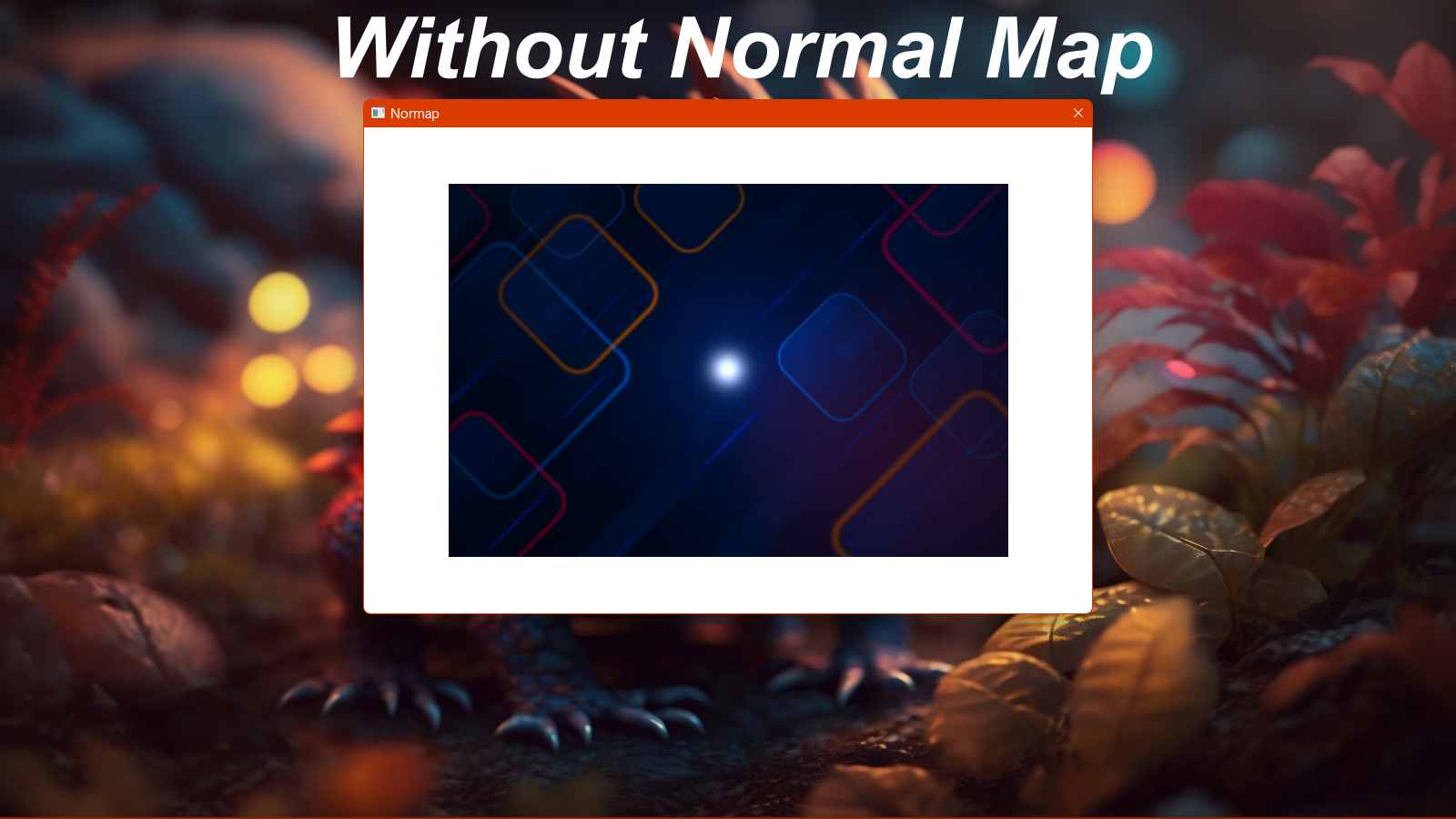
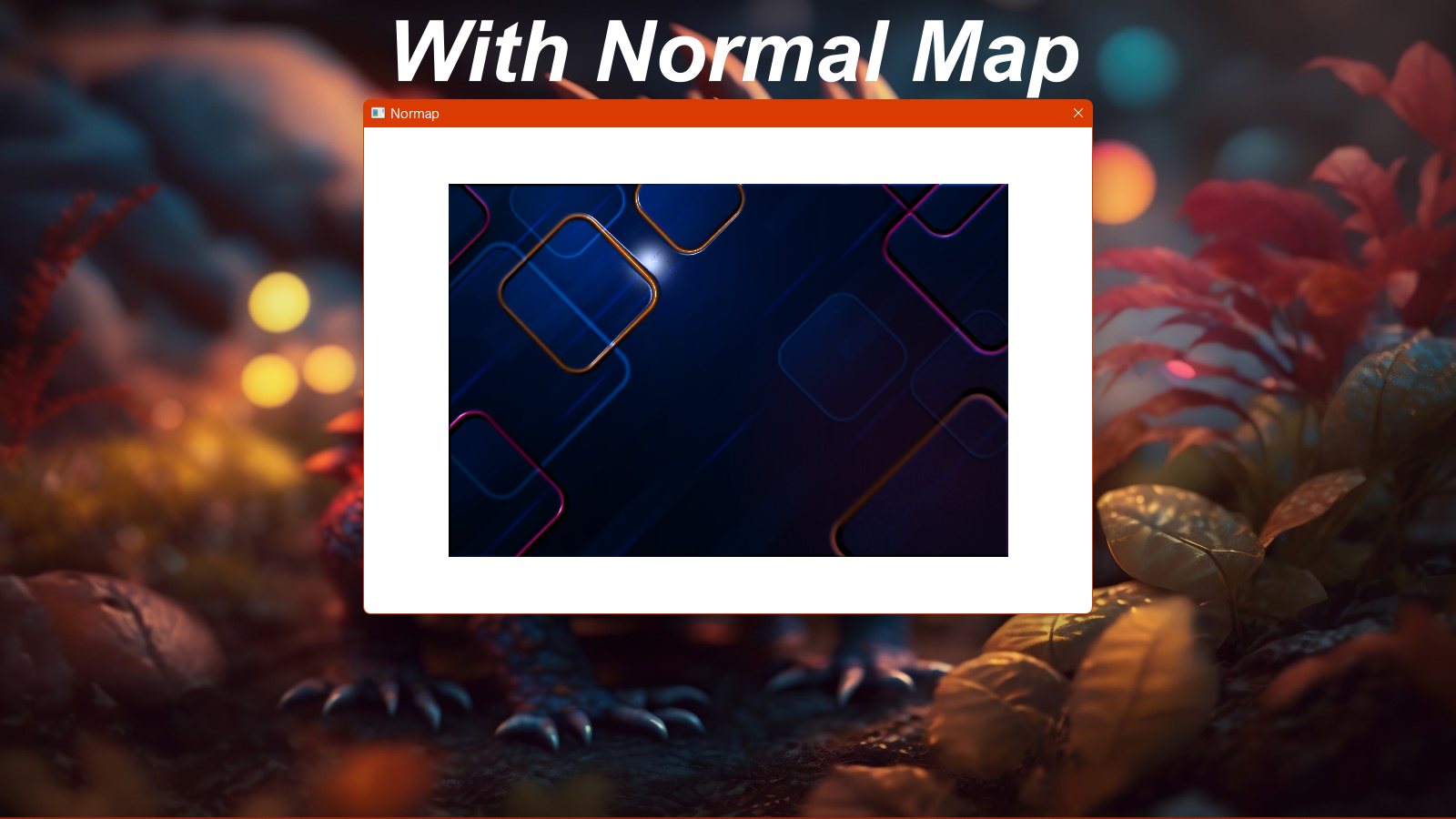
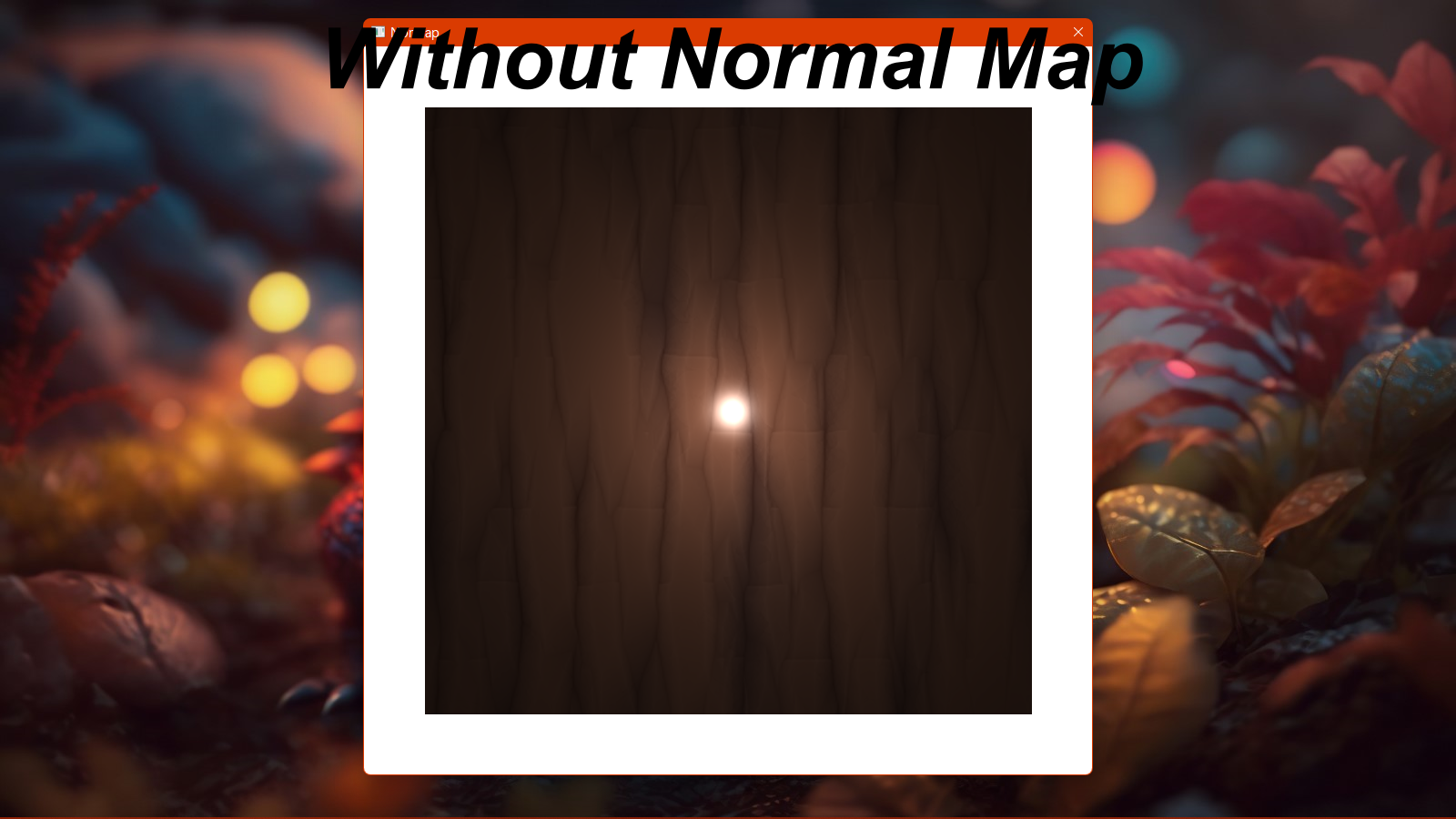
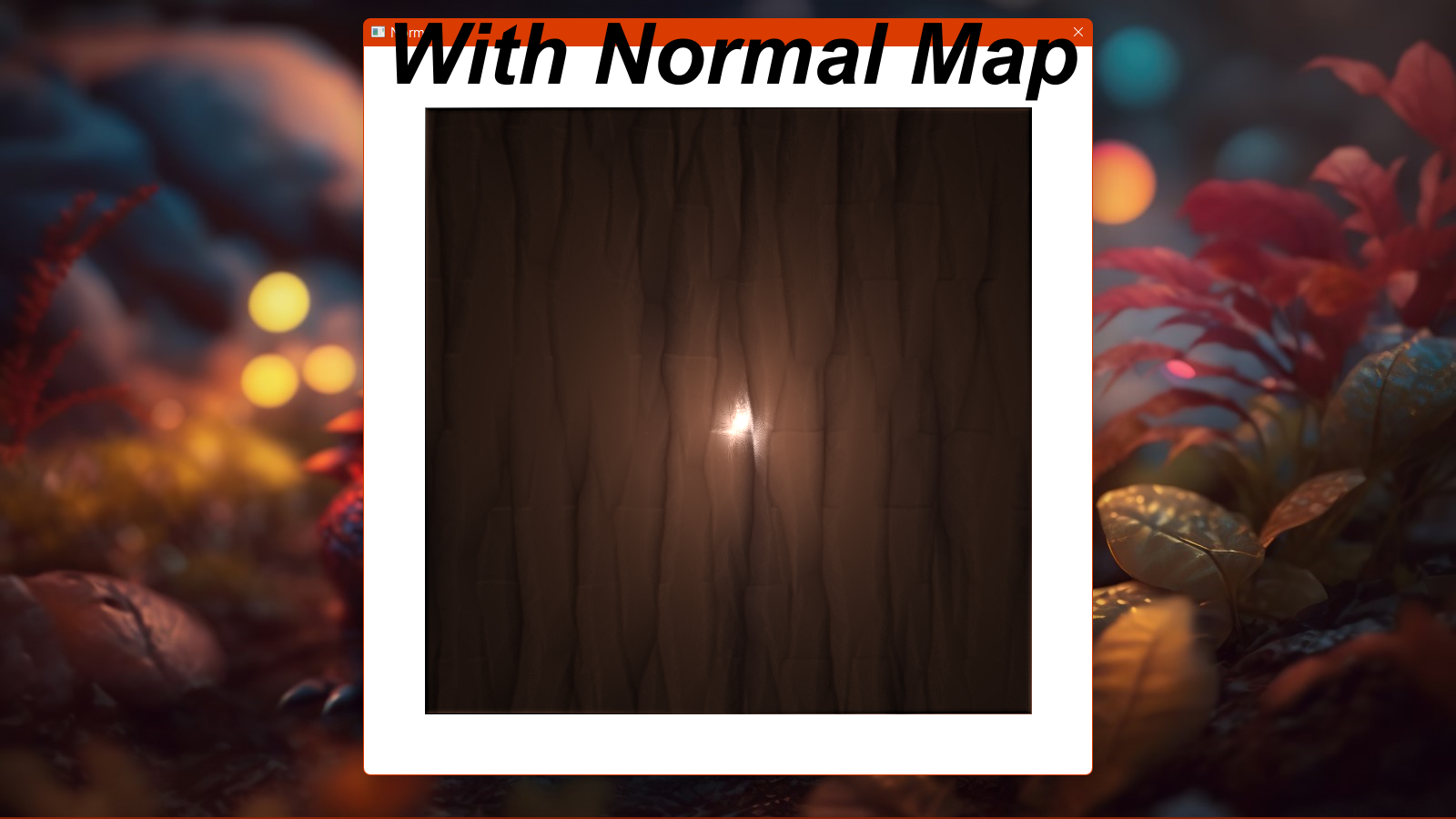
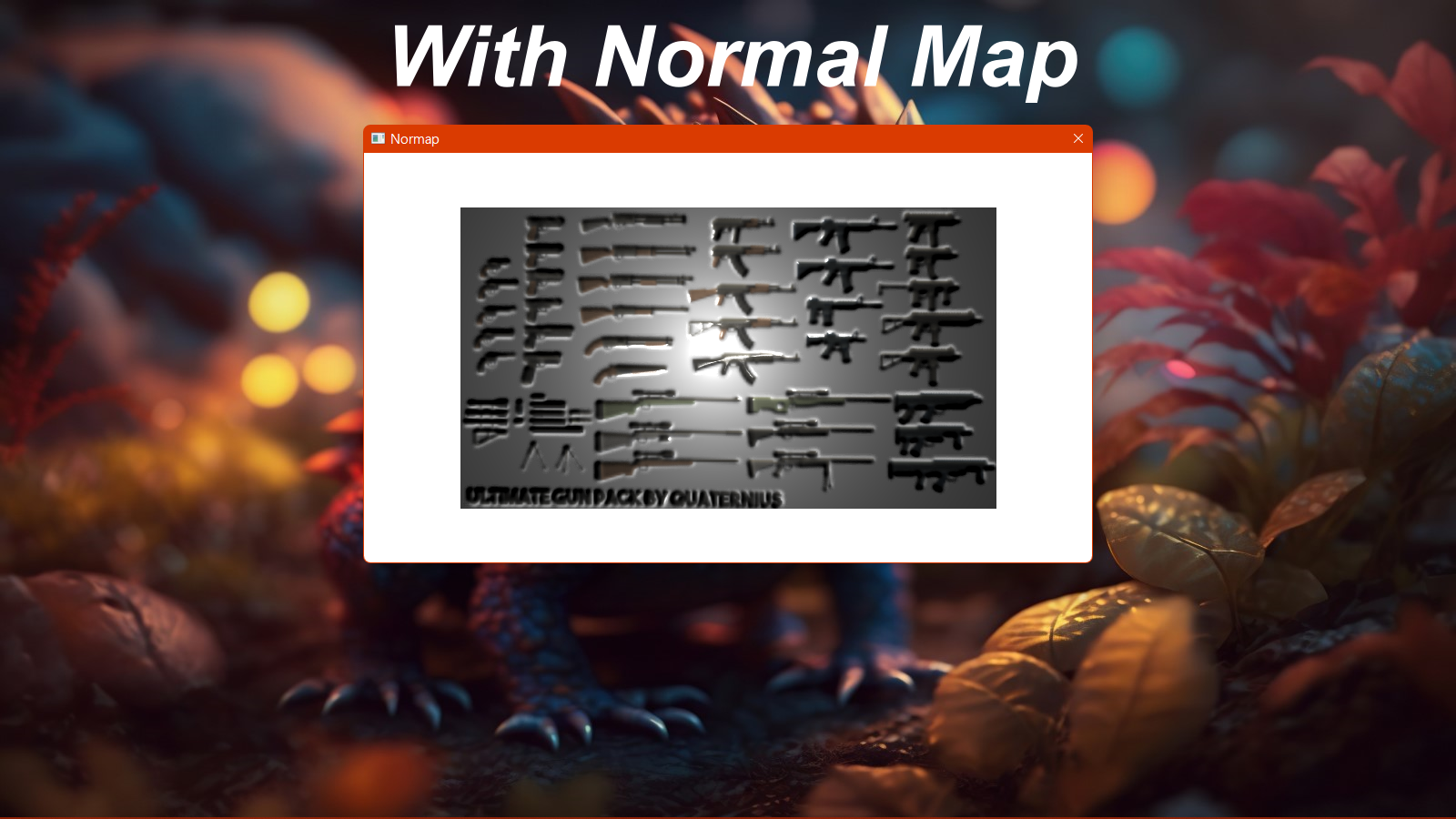
After generation, you are provided with a 3D view of your normal map in action with a light you can move around to see how the shadow and light react to it!
Instructions on usage:
1. Extract the Normap zip file
2. Click the Normap.bat file in the extracted folder
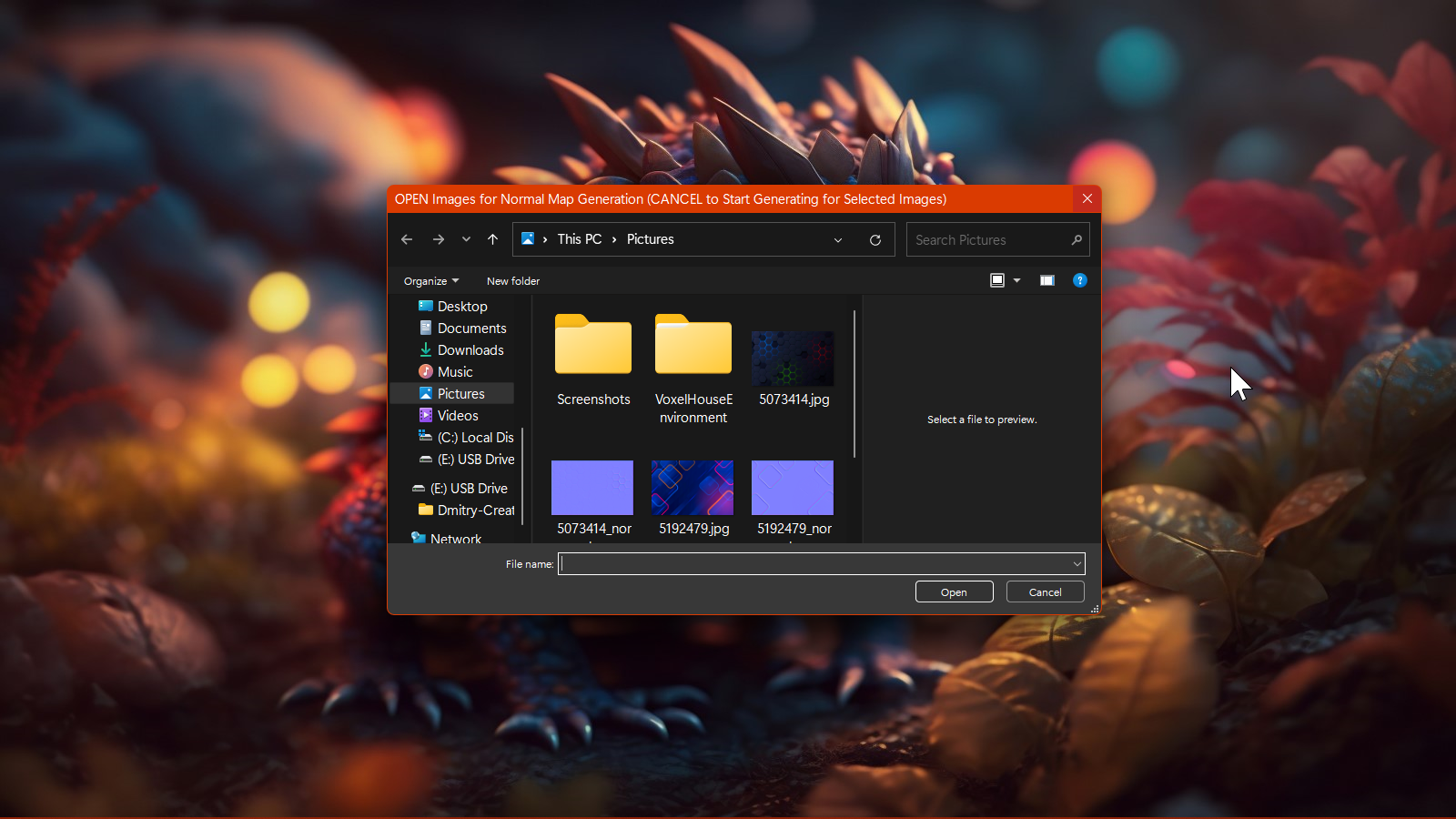
3. A file explorer window will show every time you select an image. Choose a source image for the normal map to be generated from, then click "Open", or "Cancel" if your done selecting images so that the normal map generation can start.
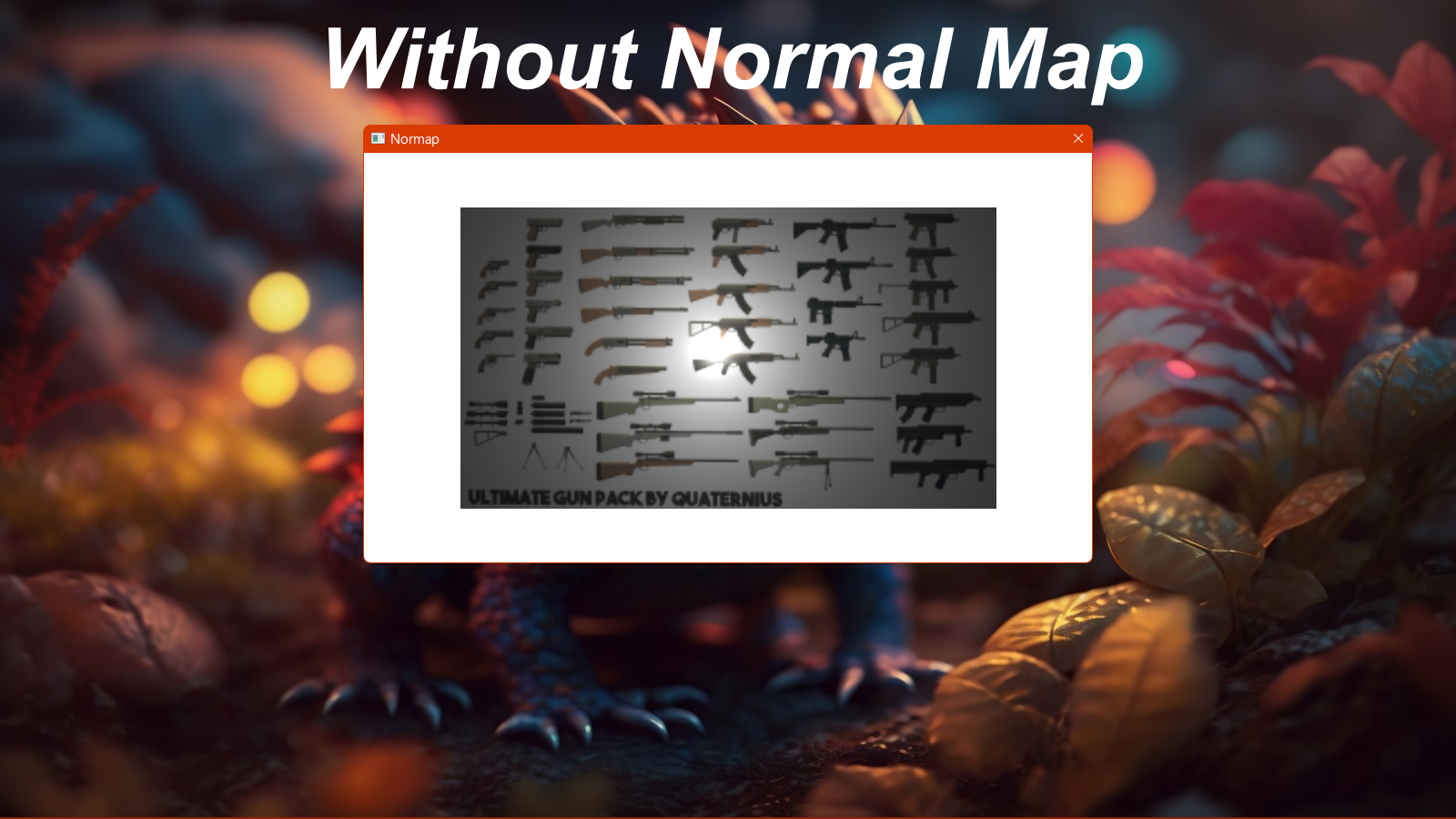
4. After the normal map generates, a window will show with a preview of your normal map on the source image. Move your mouse around to move the light, and click the screen to toggle the normal map on and off to see the difference with and without the normal map applied to the source image!
If you have any questions or feature requests, let me know!
Download
Click download now to get access to the following files:
Development log
- Normap - Normal Map Generator3 hours ago

Leave a comment
Log in with itch.io to leave a comment.